Choosing Typefaces for Print and Screen
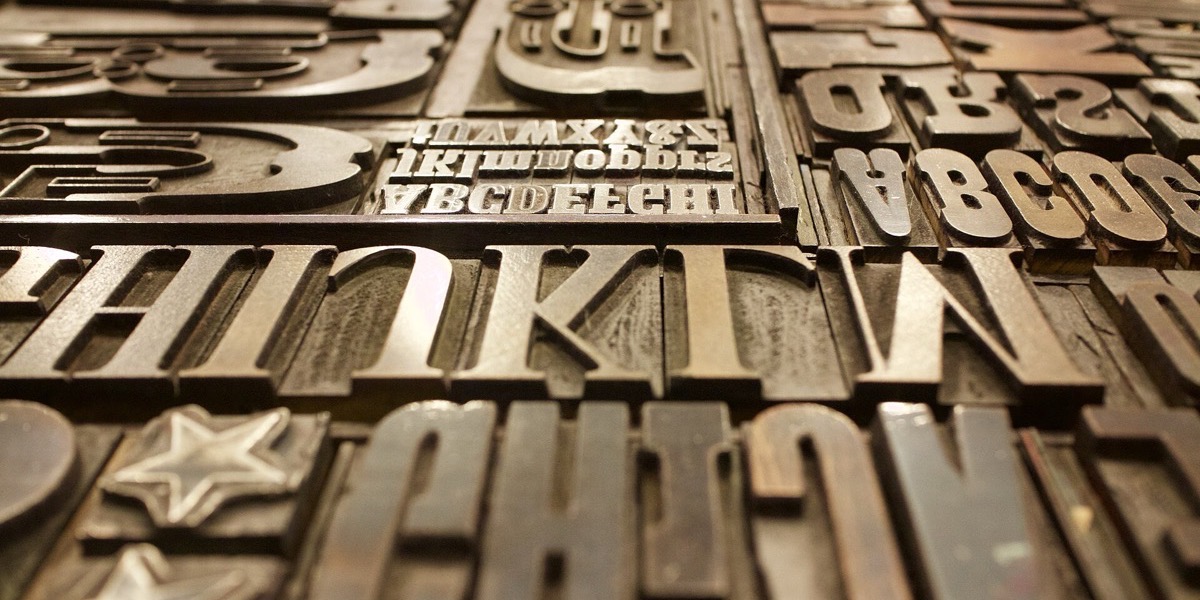
A typeface that looks beautiful on a printed brochure can be tiring to read on a phone, and a font that is perfectly crisp on screen can look thin and mechanical on paper. Most brands now need type that works in both places, often at the same time. The good news is that a few practical checks will get you most of the way, without needing to understand every technical detail of font design.
Here is what changes when type moves between paper and screen, and how to choose fonts that are comfortable in each.
What is actually different
On paper, ink sits on a fixed surface at a resolution far higher than most screens, and the reader controls the distance and angle. The designer decides exactly where every line breaks and how large everything is.
On screen, text is drawn from pixels, and its appearance depends on the device, the operating system, the browser and the user's settings. The same page might be read on a large monitor, a laptop and a small phone, sometimes in bright daylight. Line lengths change, sizes change and the reader may zoom in. You are no longer designing a fixed page; you are designing a system that has to adapt.
That difference drives most of the decisions below.
Features that help type work on screen
Generous x-height
The x-height is the height of lowercase letters relative to capitals. Typefaces with a larger x-height tend to look bigger and read more easily at small sizes, which is why many popular interface fonts have one. A font with a small x-height can look elegant in print but may feel cramped on a phone.
Open shapes and clear letterforms
Look at letters such as a, e, c and s. If their openings (the counters and apertures) are wide, they stay distinct at small sizes. Also check the characters that are easily confused: capital I, lowercase l and the number 1, or a capital O and a zero. If they look identical, readers will stumble over codes, prices and email addresses.
Moderate contrast between thick and thin strokes
Typefaces with very fine hairlines, such as many high-contrast serif fonts used in fashion magazines, can break up or shimmer on screen at text sizes. They often look superb in print and in large headlines, but for body text on screen a font with steadier stroke widths is safer.
What matters more in print
Print has its own pitfalls. Very light weights can look faint once ink spreads slightly into the paper, particularly on uncoated stock, and fine details can fill in at small sizes. If you are printing small text, such as terms and conditions on a leaflet, test a proof rather than judging from the screen.
Serif typefaces have a long track record for extended reading in books and newspapers, and they remain a good choice for printed body text. On modern high-resolution screens, well-designed serifs also read perfectly well, so the old rule that screens need sans serifs is far less strict than it used to be. Choose on quality and legibility rather than category.
Check the practical details
A typeface can look right and still cause problems. Before committing, check the following:
- Weights and styles: you will want at least regular, italic and bold. A family with a wider range gives you more flexibility for hierarchy.
- Character set: make sure it includes the symbols you need, such as the pound sign, accented letters for names and place names, and proper quotation marks and dashes.
- Numerals: some fonts offer figures of equal width, which line up neatly in tables and price lists. That matters for menus, reports and invoices.
- Licensing: a desktop licence for print does not always cover use on a website, in an app or in an email template. Check what your licence allows before you build it into everything. Open-licence libraries, such as Google Fonts, remove much of this worry.
- File size: on the web, each weight you load adds to the page. Use only the weights you need, or consider a variable font that holds several weights in one file.
Size, spacing and line length
The same typeface can be comfortable or exhausting depending on how it is set. A few starting points:
- Body text on screen generally needs to be larger than people expect. Around 16 pixels is a common baseline for web body text, and many sites now go larger.
- Give lines room. Line spacing of roughly 1.4 to 1.6 times the type size suits most body text on screen; print can often be a little tighter.
- Keep lines to a sensible length. Somewhere between 50 and 75 characters per line is a widely used guide for comfortable reading. Very long lines make it hard to find the start of the next one.
- Avoid long passages in capitals, light grey on white, or text set over busy images. All three reduce legibility, especially on small screens. The contrast between text and background matters as much as the typeface itself.
Pairing for both media
One sensible approach is to choose a family that exists in both a serif and a sans serif version, or one versatile sans serif with many weights. This keeps print and digital material consistent without asking a single font to do something it is not good at. As we suggest in building a brand identity on a small budget, two typefaces are plenty for most organisations: one for headings and one for body text.
If your print font cannot be used on the web for licensing or technical reasons, pick a close web equivalent with similar proportions and record both in your style guide, so everyone knows which to use where.
Test in the real world
Do not choose a typeface from a specimen page alone. Set a real paragraph of your own copy, then print it on the paper you intend to use and view it on an actual phone, ideally a mid-range one, outdoors as well as indoors. Read it at arm's length. Problems that are invisible on a large design monitor become obvious very quickly, and it is much cheaper to find them now than after a print run.